

7 Types of Malware Small Businesses Should Know About
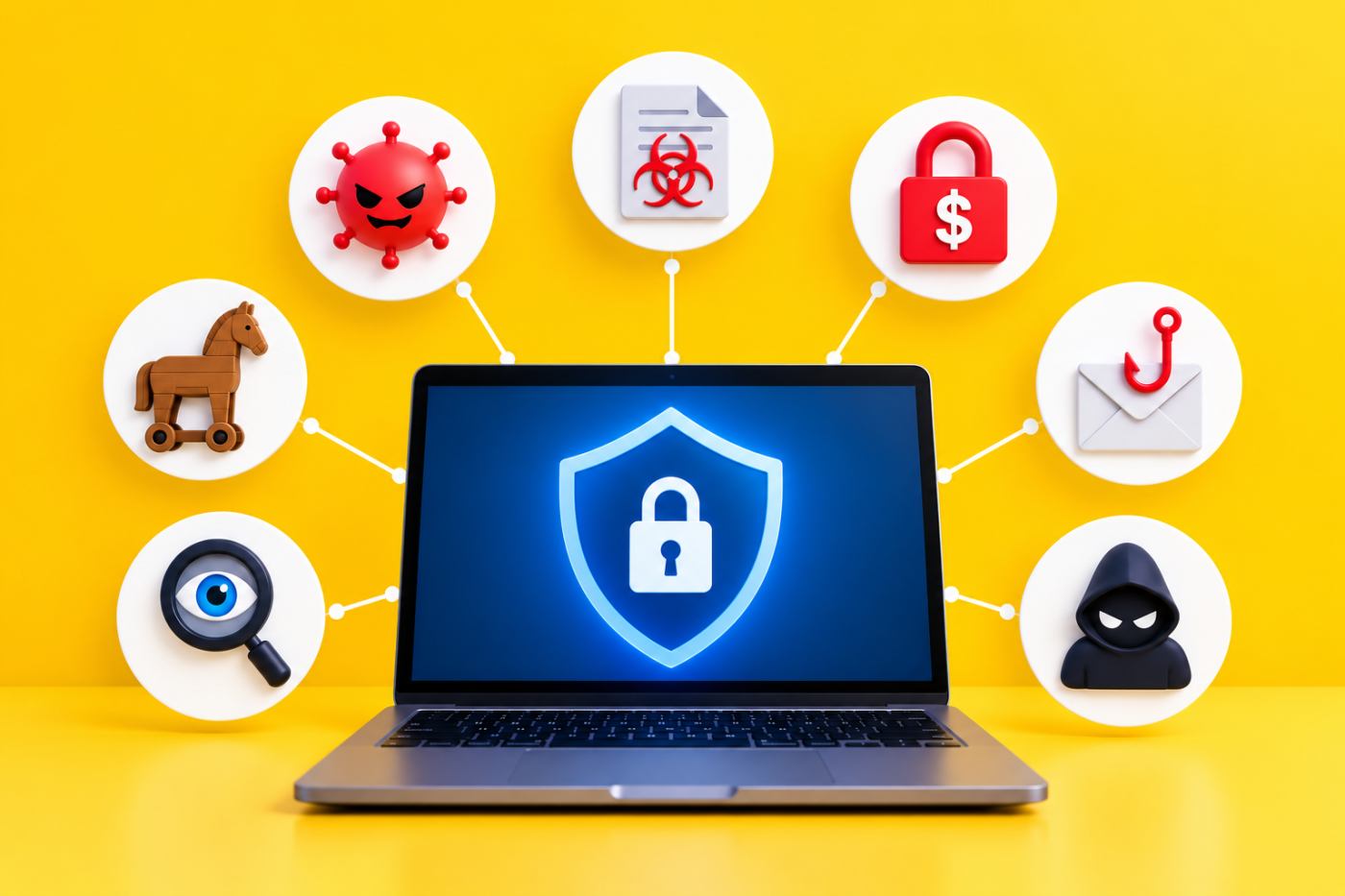
Malware might sound like something only large organisations need to worry about, but small businesses can be attractive targets for cybercriminals too.
And malware isn’t just about the traditional computer virus anymore.
Modern attacks can steal passwords, encrypt company files, spy on employees or use legitimate Windows tools to avoid detection. Some malware is specifically designed to change its appearance so that it’s harder for traditional security software to recognise.
The terminology can get complicated very quickly, but you don’t need to be a cybersecurity expert to protect your business.
7 Malware Threats to Watch Out For
Here are seven types of malware worth knowing about – what they do, how they might reach your business and, most importantly, what you can do to reduce the risk.
1. Polymorphic Malware
Polymorphic malware is a type of malware that changes its code every time it replicates. This makes it hard for Polymorphic malware is designed to change its appearance to make detection more difficult.
Traditional antivirus software has historically looked for known characteristics or “signatures” associated with malicious software.
Polymorphic malware tries to make that job harder by modifying parts of its code while retaining the same malicious purpose.
Think of it as somebody repeatedly changing their disguise. The person underneath hasn’t changed, but identifying them based purely on appearance becomes much more difficult.
This is one reason modern business security shouldn’t rely solely on traditional antivirus software. Modern endpoint protection can also look at how programs behave, rather than relying only on recognising previously identified malicious files.
2. Fileless Malware
Not every cyberattack needs to install an obvious malicious program onto your computer.
Fileless malware can use legitimate tools and processes already available within an operating system to carry out malicious activity.
That can make an attack harder to spot because there isn’t necessarily a conventional infected file sitting on the hard drive waiting for antivirus software to find it.
An attack might begin with something relatively ordinary, such as a phishing email containing a malicious link or attachment. Once triggered, attackers can potentially use legitimate system tools to execute commands, access information or download further malicious content.
For businesses, this reinforces an important point:
Cybersecurity isn’t just about scanning files.
Good endpoint security, properly configured devices, software updates and monitoring for unusual behaviour all play a part.
3. Ransomware
Ransomware is probably one of the better-known forms of malware – and for good reason.
Once inside a business, ransomware can encrypt important files and systems, making them inaccessible, before demanding payment for their release.
Modern ransomware attacks can go even further.
Attackers may steal information before encrypting it and then threaten to publish that information if the ransom isn’t paid. This is sometimes known as double extortion.
For a small business, the consequences could include:
- Losing access to customer and company files
- Employees being unable to work
- Business systems becoming unavailable
- Sensitive information being stolen
- Financial losses
- Data-protection implications
- Reputational damage
This is also why a proper backup strategy is so important.
Your backups should be appropriately protected and regularly checked to make sure information can actually be restored if something goes wrong.
A backup you can’t restore isn’t much of a backup.
4. Social Engineering Malware
Sometimes the easiest way into a computer isn’t finding a complicated technical vulnerability.
It’s persuading somebody to open the door.
Social engineering attacks are designed to trick people into doing something they normally wouldn’t.
You might receive an email that appears to come from a supplier asking you to open an invoice. A message might claim your Microsoft 365 password is about to expire. Someone could even impersonate a colleague and ask you to download a document.
The malicious software itself might be sophisticated, but getting it onto the computer can start with one convincing email.
That’s why employees are an important part of your cybersecurity.
Staff should feel comfortable stopping and checking when something doesn’t look right, particularly when they’re being asked to:
- Open an unexpected attachment
- Click an unfamiliar link
- Download software
- Enter a password
- Approve an MFA request they didn’t initiate
- Act urgently without checking
A few seconds spent verifying something can prevent a much bigger problem.
5. Rootkit Malware
Rootkits are designed to give an attacker privileged access to a computer while making their presence difficult to detect.
Once installed, a rootkit may help an attacker maintain access to the device, interfere with security tools or enable other malicious software to operate.
They’re particularly concerning because they can potentially give an attacker significant control over the affected computer.
Fortunately, there are sensible measures businesses can take to reduce the risk.
Keeping operating systems and applications updated, restricting administrator privileges, using modern endpoint protection and preventing employees from installing unauthorised software can all help.
One particularly useful principle for small businesses is:
Not everybody needs administrator access to their computer for everyday work.
Limiting unnecessary privileges can re
6. Spyware
As the name suggests, spyware is designed to watch what you’re doing and collect information without your permission.
Depending on the type of spyware, it could potentially:
- Record keystrokes
- Capture screenshots
- Monitor browsing activity
- Collect login details
- Access sensitive business information
- Steal financial information
For a business, the concern isn’t simply somebody seeing which websites you’ve visited.
A compromised computer could potentially expose Microsoft 365 credentials, customer information, financial details and access to other business systems.
Spyware can arrive through malicious downloads, compromised websites, phishing emails or software that isn’t what it claims to be.
Keeping devices properly protected and restricting software installations can significantly reduce the risk.
7. Trojans
A Trojan takes its name from the famous Trojan Horse.
It pretends to be something legitimate or useful while hiding something malicious inside.
You might think you’re downloading a genuine program, opening an invoice or installing a useful browser extension. In reality, you’re giving malicious software access to your computer.
Once installed, a Trojan could potentially:
- Steal information
- Download additional malware
- Give an attacker remote access
- Delete or modify files
- Capture passwords
- Interfere with the computer
Unlike some traditional computer viruses, Trojans generally rely on somebody being persuaded to install or open them.
Again, this demonstrates why technology and employee awareness need to work together.
How Can You Protect Yourself from Malware
Reading about sophisticated malware can make cybersecurity sound overwhelming.
It doesn’t need to be.
You can’t remove every possible cyber risk, but getting the fundamentals right can make your business considerably more difficult to compromise.
We recommend focusing on a few key areas:
Keep everything updated
Windows, applications, browsers and other business software should receive security updates promptly.
Old, unsupported software should be replaced rather than left running indefinitely.
Use modern endpoint protection
Business devices should have properly configured security protection capable of identifying suspicious behaviour as well as known malicious files.
Use multi-factor authentication
MFA adds another layer of protection if somebody manages to obtain an employee’s password.
It should be enabled wherever appropriate, particularly for important services such as Microsoft 365.
Back up your business data
Have a proper backup strategy for information your business couldn’t afford to lose.
And don’t just assume it’s working.
Backups should be monitored and restoration should be tested.
Be careful with administrator access
Employees shouldn’t routinely have more access than they need to do their jobs.
Restricting administrator privileges can limit the damage malware is able to cause.
Train your team
Employees don’t need hours of technical cybersecurity training.
They do need to recognise common warning signs and know what to do when something looks suspicious.
Create a culture where staff are encouraged to stop and ask rather than click and hope.
Protect Microsoft 365 too
For many small businesses, Microsoft 365 contains some of their most valuable information.
Email security, MFA, appropriate permissions and monitoring should form part of your overall cybersecurity approach – not just protection installed on individual PCs.
What If You Think You’ve Got Malware?
If something doesn’t look right, don’t ignore it.
Unexpected pop-ups, unusual computer behaviour, security warnings, unfamiliar programs, unexplained account activity or files suddenly becoming inaccessible can all warrant investigation.
If you suspect a business computer has been compromised, disconnecting it from the network where appropriate can help prevent an infection from spreading.
Then contact whoever manages your IT.
Avoid downloading random “malware removal” programs or trying lots of fixes yourself, particularly if the computer contains important business information. You could make the problem harder to investigate or inadvertently cause further damage.
Cybersecurity Doesn’t Have to Be Complicated
Malware is constantly evolving, but that doesn’t mean small businesses have to spend their time trying to keep track of every new cyber threat.
That’s what good IT security is there for.
The fundamentals remain remarkably consistent: keep devices updated, protect accounts, back up important information, use appropriate security tools and help employees recognise suspicious activity.
Most importantly, make sure somebody is actually responsible for checking that those protections are working.
Worried About Your Business Cybersecurity?
You don’t need an in-house cybersecurity department to properly protect a small business.
We provide friendly, practical IT support and cybersecurity solutions to businesses across the East Midlands, helping keep devices, Microsoft 365, backups and business data protected without unnecessary jargon or complexity.
Whether you’d like a second opinion on your current security or you’re not sure whether your existing protection is doing enough, get in touch with the Ace IT team and we’ll be happy to have a chat.
This Article has been Republished with Permission from The Technology Press.
—